
Appearance
AdminSite Settings → User Profiles
Decide which sections of the My Profile page each user can interact with. Toggle a component off to hide it from the profile page entirely; toggle it on to expose it. For what users see on that page, see Manage your profile.
Open Settings → Site Settings → User Profiles.
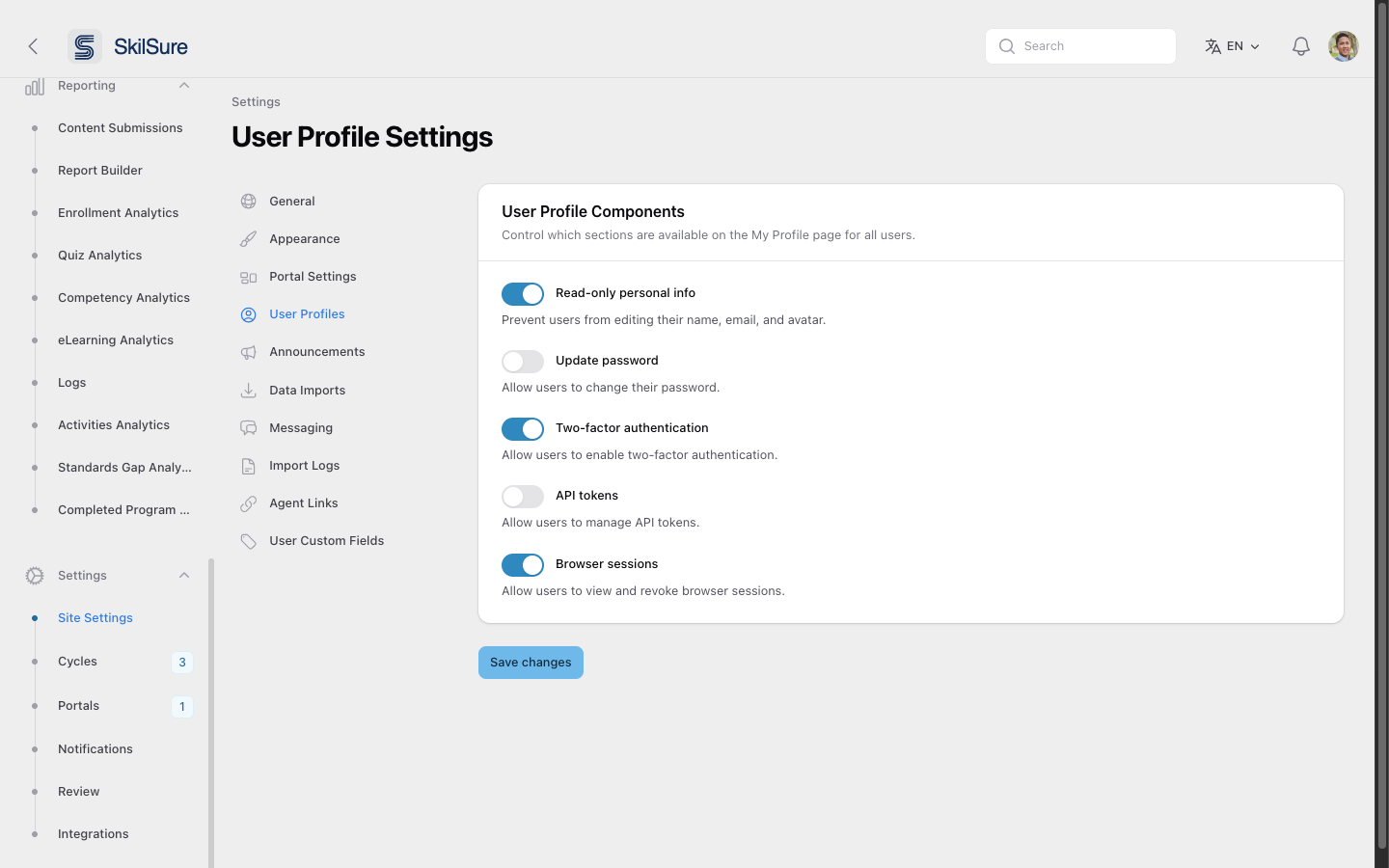 User Profile Settings. Five toggles in a single panel.
Profile components
- Read-only personal info — when on, users cannot edit their name, email, or avatar. Useful when those values are synced from an upstream system (SSO, HRIS) and must remain authoritative.
- Update password — when on, users can change their password from their profile. Turn off if you authenticate via SSO only.
- Two-factor authentication — when on, users can opt into 2FA via authenticator app.
- API tokens — when on, users can issue personal API tokens for programmatic access. Most tenants leave this off.
- Browser sessions — when on, users can see active sign-ins and remotely sign out of other browsers.
Click Save changes to apply. Existing users see the updated profile page on their next visit.
SSO-only deployments
If you're using Microsoft SSO as the sole authentication path, keep Update password off — local password changes won't affect the SSO identity provider and will confuse users.